HOLIDAY CREATIVE WORKSHOP
How to Plan Holiday Ecommerce Ad Creative
Show the product, make the gifting idea specific and give each creative concept a clear job before producing variations.
THE SHORT VERSION
Give each concept a useful product story.
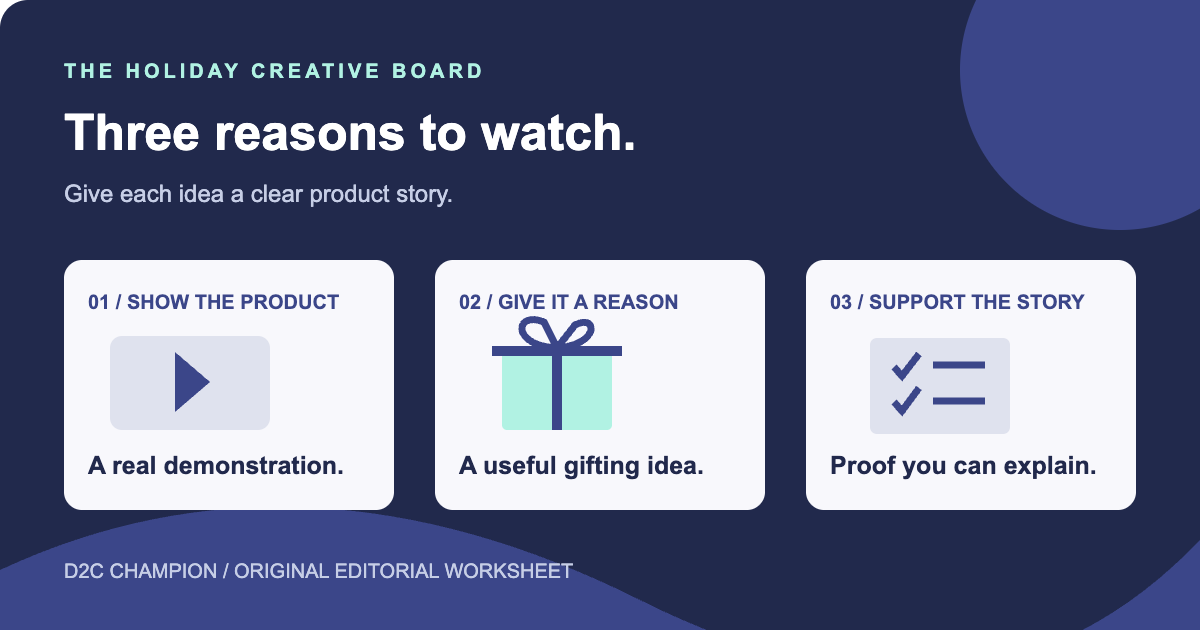
Choose a shopping mission, show the actual product and use proof you can support. Prepare the placement formats, verify the destination and keep a clear record of the creative idea.
A holiday ad needs a reason to be watched and a product story worth following. Start with the buying situation: who is choosing the item, what they need to understand and why this particular product fits. Build creative around a real demonstration, a useful gifting idea or evidence the brand can support. Then test distinct ideas with a clear record of what each ad is trying to communicate.
1. Choose a shopping mission for each concept
Holiday shoppers can arrive with different jobs: finding a gift for a particular person, comparing a product they already want or making a practical purchase before a busy period. Pick one mission for each creative concept.
For example, a hypothetical drinkware brand could prepare one ad showing a mug in an everyday coffee routine and another explaining why a particular design suits a gift recipient. The product is the same, but the story and the questions the ad answers are different.
Use what you know from customer questions, reviews, search data and sales conversations. Keep the evidence beside the idea. If you are proposing a new angle, call it a hypothesis rather than claiming that your audience has already asked for it.
Write the mission in one sentence. The person producing the ad should be able to explain who it is for and what the viewer is supposed to understand before choosing a camera angle.
2. Make the product demonstration specific
Show the part of the product that matters to the buying decision. That could be a garment's shape, a bag's compartments, the scale of a decorative item or the sequence for using a simple household product.
Film the actual item and the action you want to show. A clear demonstration can do more work than a long voiceover that describes benefits the viewer cannot see. Give the product enough time and space to be understood.
For the fictional mug brand, write the ad before making a long shot list. A demonstration opening could be, 'The design you picked, from every angle.' Show the full mug, turn it to reveal the artwork and include a hand-held shot for scale. End on the exact product page.
A gifting opening could be, 'For the friend whose coffee break comes with commentary.' Show the design, a simple gift handoff and the mug beside a book or work notebook. Keep the story tied to that recipient, rather than adding a generic holiday montage.
The shot list is now clear: full product, artwork turn, hand-held scale, gift handoff and ordinary use setting. Those views explain appearance and context. Temperature retention or dishwasher durability would need separate supporting evidence.
Choose a demonstration you can reproduce honestly. Avoid making a product look larger, more complete or more capable through the framing than it is in the order the customer will receive.
3. Give the gifting story a real person and use
A gifting concept should explain why the item suits someone. “A gift for coffee drinkers who enjoy this kind of joke” gives you a clearer direction than a generic montage of wrapping paper and ornaments.
Show the product in the recipient's likely routine. A reading-corner print, everyday bag or shirt worn with familiar clothes can help a buyer picture its use. The holiday setting can provide context without becoming the entire message.
Think about the details a giver needs to choose well. They may need to understand size, color, materials, customization or what is included. Select one or two of those questions for the ad and leave the full information easy to find on the destination page.
Keep time-sensitive claims current. If an ad mentions a cutoff or arrival expectation, tie it to the actual product, destination and terms. Build a version that can keep running after that message is no longer appropriate.
4. Use proof that belongs to the claim
Choose evidence that supports what the ad says. A close product view shows appearance. A demonstration shows an action. A customer comment describes that person's experience. They are useful for different reasons.
Check the scope before turning evidence into a headline. A result from one customer should not become a promise to every customer. An attractive product photograph should not be used as evidence of physical quality that has never been checked.
Use real customer material only with the appropriate permission and context. If a piece is an illustration, mockup or staged demonstration, describe it accurately when that distinction affects what the viewer would reasonably take from it.
A founder or team member can explain the thinking behind an item in their own words. Record something they can stand behind rather than inventing a personal story because the format calls for one.
5. Produce a shot list you can actually finish
Give each concept a short production brief: the opening, the product action, the evidence, the message and the next step. List the shots needed to deliver that idea before collecting a large folder of unrelated footage.
A practical session can cover an overall product view, a close detail, a demonstration, a scale reference and a natural use scene. Capture clean versions of the shots that may need to be cropped into more than one format.
Record which product and variant appears in each take. Keep usable original footage and the approved copy together. That makes later edits easier when you need a new opening or a different length.
Check the small things while filming: readable lettering, a clear product view, lighting that shows the relevant detail and an uncluttered background. Fixing an obscured feature during the shoot is usually simpler than trying to explain it afterward.
6. Create different ideas before making many edits
A different opening sentence is an edit. A product demonstration, recipient story and explanation of a useful detail are different concepts. Build a few meaningful concepts before creating many versions of one idea.
For a first working set, choose the strongest demonstration, a relevant gifting situation and a proof-led explanation. Adapt that set to the product and what you can genuinely support. This is a planning suggestion, not a universal requirement for a particular number of ads.
Give the edits a reason. One might bring the product into view earlier. Another might simplify the spoken explanation or give a readable detail more screen time. Keep the concept label attached so you can tell which idea the edit belongs to.
Do not call a set diverse because you changed the background color on several otherwise identical ads. The buyer should have a different reason to pay attention to each main concept.
7. Prepare the formats for the actual placements
Review the current requirements for the platform and placements you plan to use. Keep important product details, lettering and the next action readable in the preview, including after cropping.
Google's Performance Max creative guidance recommends providing useful image and video assets and reviewing creative as the marketing message changes. Its video-assets documentation explains supported orientations and that videos may be resized. Use the current specifications for your campaign rather than assuming one export will suit every placement.
Treat those provider instructions as format and campaign guidance. They do not prove that a particular holiday concept will perform well for your brand. The creative idea still needs your review and measurement.
Watch the preview with and without sound when the placement makes that relevant. Make the main message understandable, check captions where you use them and confirm that the product remains visible.
8. Keep the ad and landing page telling the same story
Open the exact destination for each creative concept. Check that the advertised item, selected option and central claim agree with what the buyer sees there.
If the ad explains a particular feature, make the supporting detail easy to find. If it introduces a gifting situation, the product page should still answer the practical purchase questions. A polished ad cannot make an unclear or unavailable offer complete.
Use the D2C product-page audit when the destination needs a separate review. Keep that work connected to the creative brief so the producer knows which facts and visuals the page supports.
Check the live link on a phone before release. Record the destination beside the creative file, and review it again when the product or campaign changes.
9. Use a test matrix that identifies the idea
Keep a simple record of what each ad is intended to communicate. Assign an identifier you can connect to the platform report and the landing page. The matrix should explain the creative, not only track filenames.
| Concept | Opening to test | Useful content | Main question |
|---|---|---|---|
| Product demonstration | Show the relevant action early | Actual product in use | Does the viewer understand the product? |
| Gifting situation | Name a specific recipient or routine | Product and relevant context | Is the reason to choose it clear? |
| Product detail | Bring one buying question into view | Close view and supported explanation | Does this reduce an important uncertainty? |
| Brand perspective | Begin with the reason behind the design | A genuine explanation from the team | Does the story make the product more meaningful? |
10. Review results at the level you can support
Choose the business outcome and measurement approach before interpreting performance. Views and clicks can help diagnose attention and interest, but they are different from orders, contribution or customer retention.
Review the actual distribution of traffic. Automated campaigns can serve combinations unevenly, so a comparison of ad reports is not automatically a controlled experiment. Note other changes in targeting, availability, price, delivery or the landing page.
Use the D2C measurement guide to keep platform attribution separate from store revenue and costs. Look for enough evidence to make the next decision, and document what remains uncertain.
Keep useful observations even when an ad does not meet the chosen outcome. A demonstration may show a product detail clearly while the opening needs work. That is a specific editing decision you can carry into the next version.
11. Finish a small creative set before expanding
Choose one product and complete three genuinely different briefs. Check the facts, make the required shots, prepare the placement formats and verify each destination. Then review the set together for clear differences in the stories it tells.
Your next step is to write the first brief today: one shopping mission, one product action, one piece of useful evidence and one real next action. That gives the production team something concrete to make and the marketing team something understandable to evaluate.
By D2C Champion Editorial Team. The linked Google Ads documentation was reviewed October 14, 2026. The planning matrix, examples and workflow are original editorial recommendations. No customer results, ad-performance improvements or guaranteed outcomes are claimed.